QATS
A trading idea becomes a visible rule system: filters, branches, data oracles, execution conditions, tests, widgets, and activation states on one canvas instead of scattered notes.
Open QATS.US →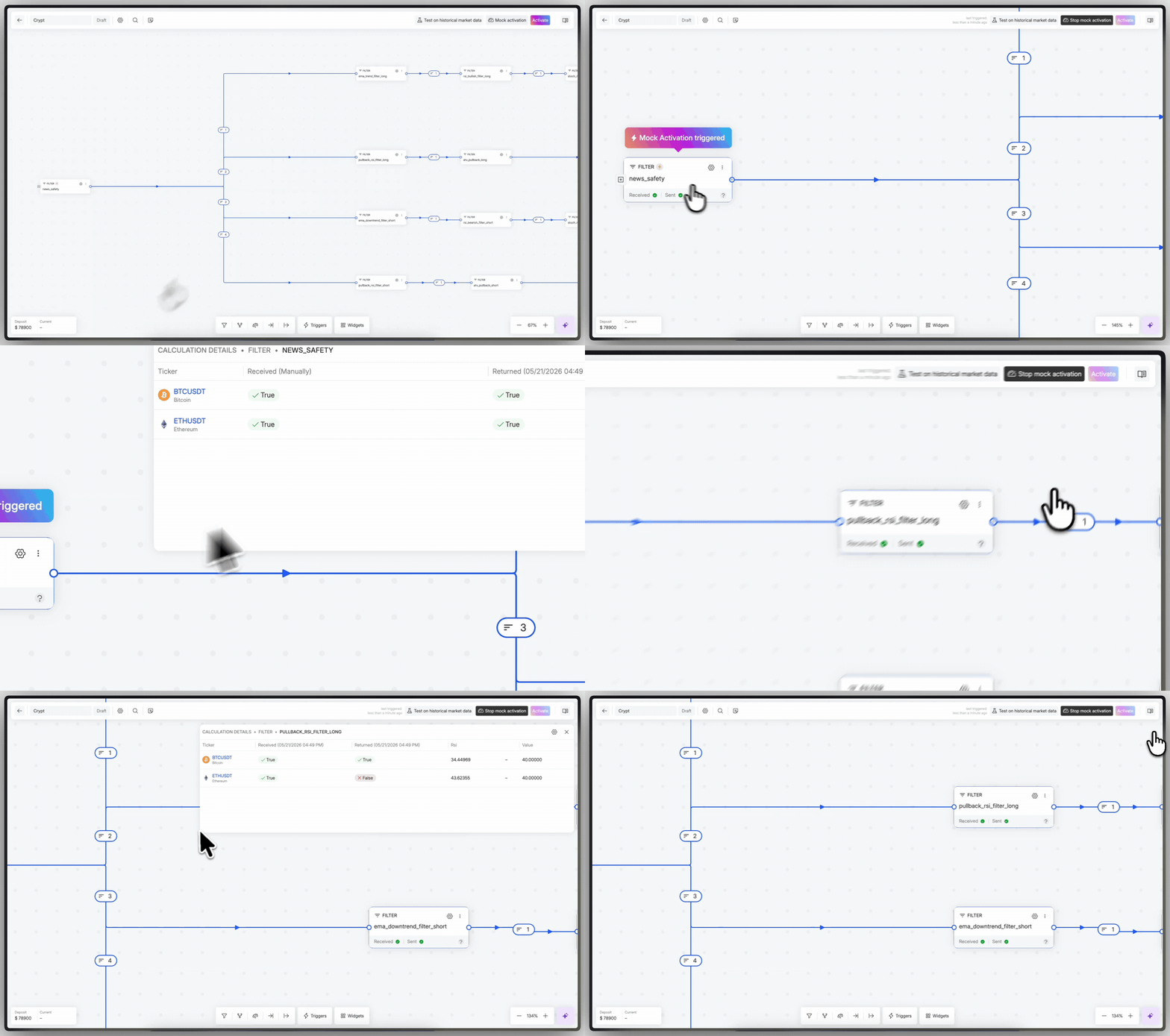
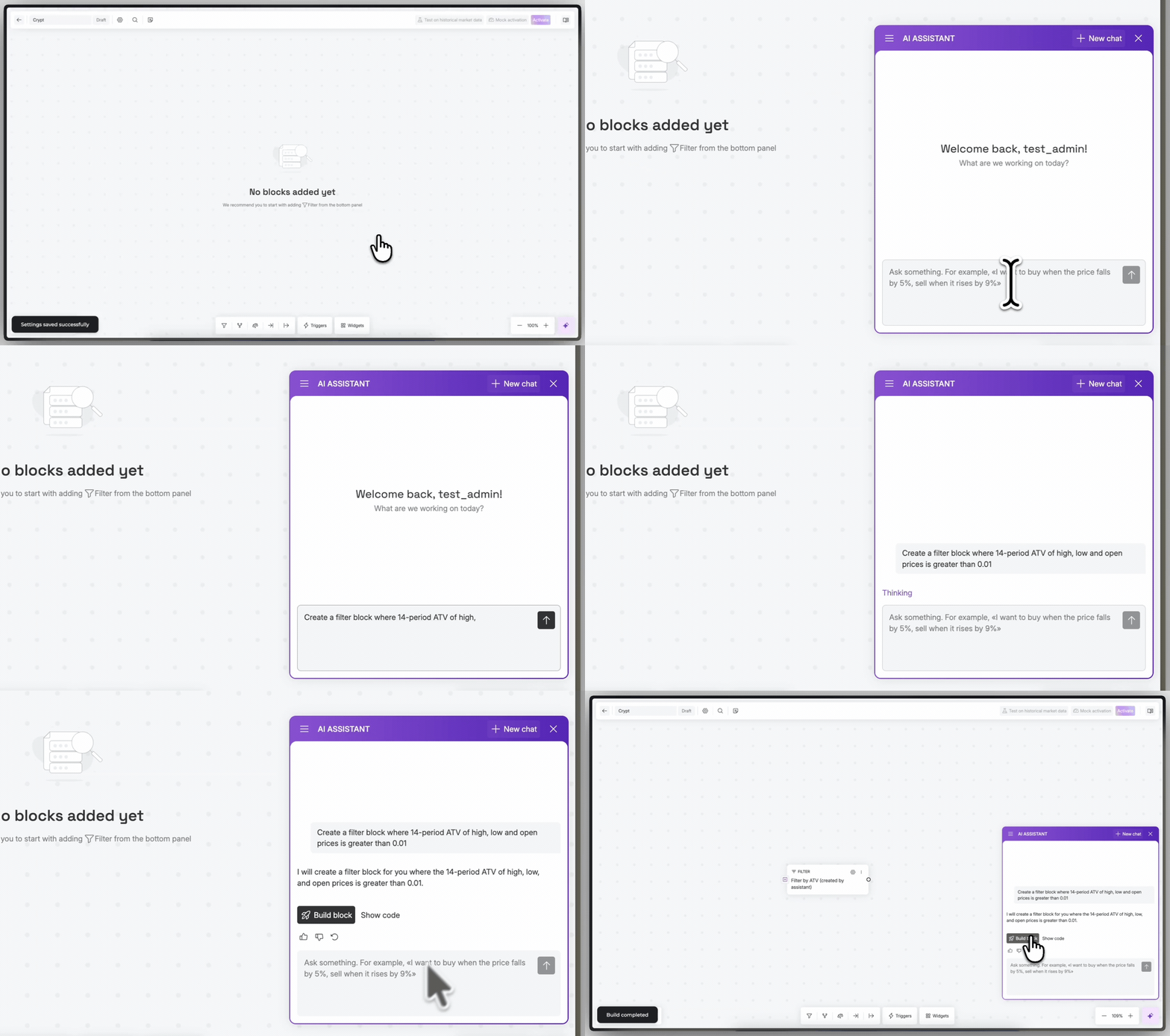
Start from intent, not an empty canvas.
The assistant converts a plain-language market idea into the first useful structure: initial filters, blocks, and a starting logic map that can be reviewed and edited by the user.
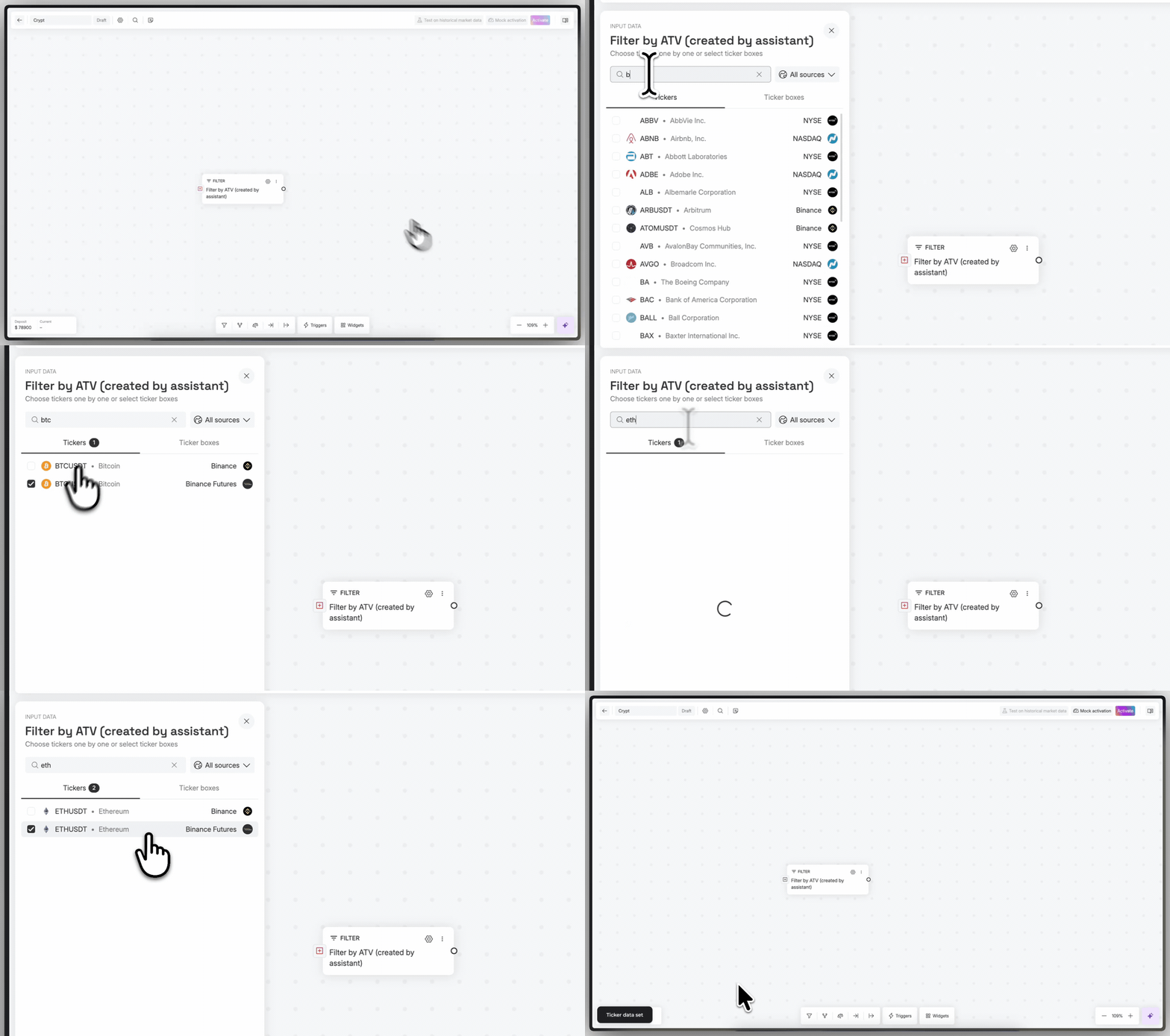
Data becomes part of the rule tree.
Ticker data, oracle values, and widgets can be placed directly into the strategy logic. The user sees what the strategy watches, where the condition sits, and how it connects to the rest of the system.
Widgets show the strategy while it is alive.
Charts, logs, current state, and strategy data are added as workspace widgets. It is not just a builder; it is a control surface for understanding how the strategy behaves after activation.
Design, test, then activate deliberately.
Backtests and mock activation separate research from live behavior. The workflow keeps strategy design, historical checks, and operational activation as distinct steps.